
CoreTamer
macOS
Keep CPU-hungry apps under control
Give CPU-hungry apps a limit. Right from your menu bar, for individual processes or with one shared budget for an entire app group.
Free & open source
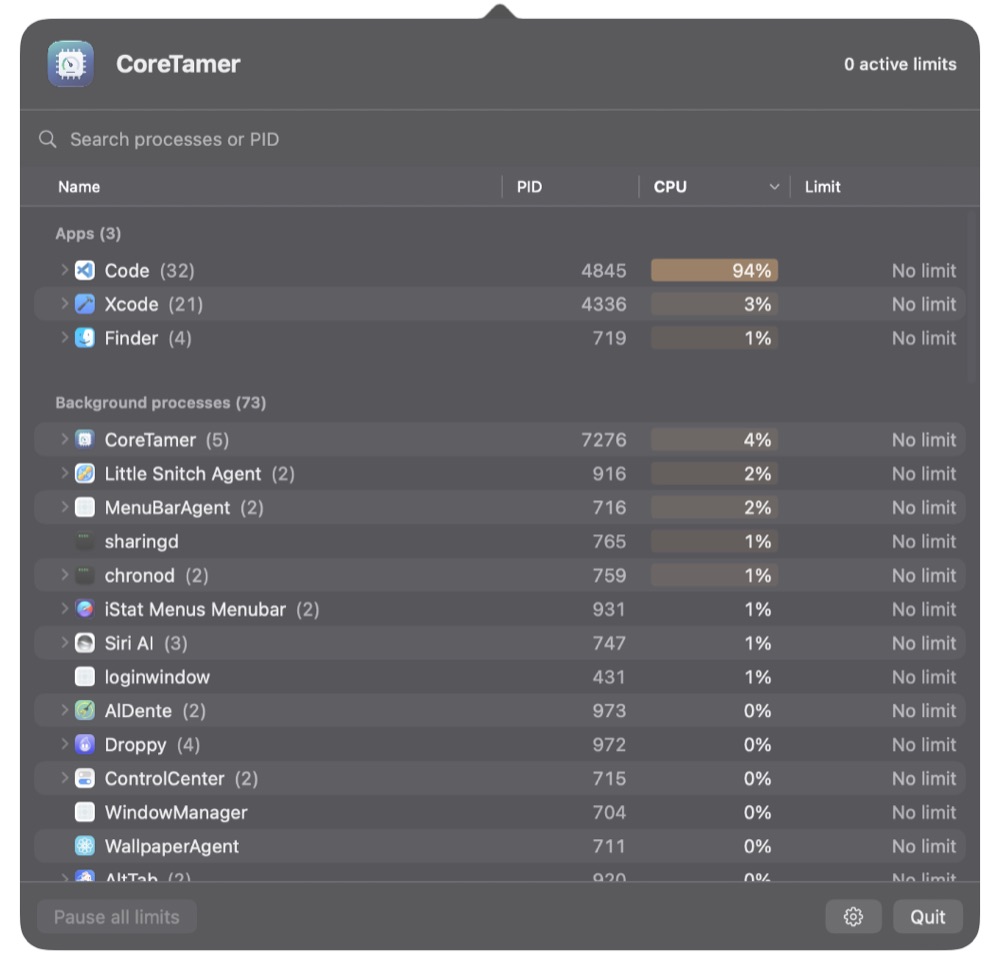
What CoreTamer does for you
One process or the whole app
Limit one process or an app together with its attributed helpers.
Right in your menu bar
Find processes and adjust their CPU limits in one place.
For your processes
No admin rights needed. System processes and other users’ processes remain read-only.
Get started
- Install CoreTamer from the latest GitHub release.
- Select one of your apps or processes.
- Set the CPU limit and choose its scope.
If macOS initially blocks the app, follow the current installation notes in the README.